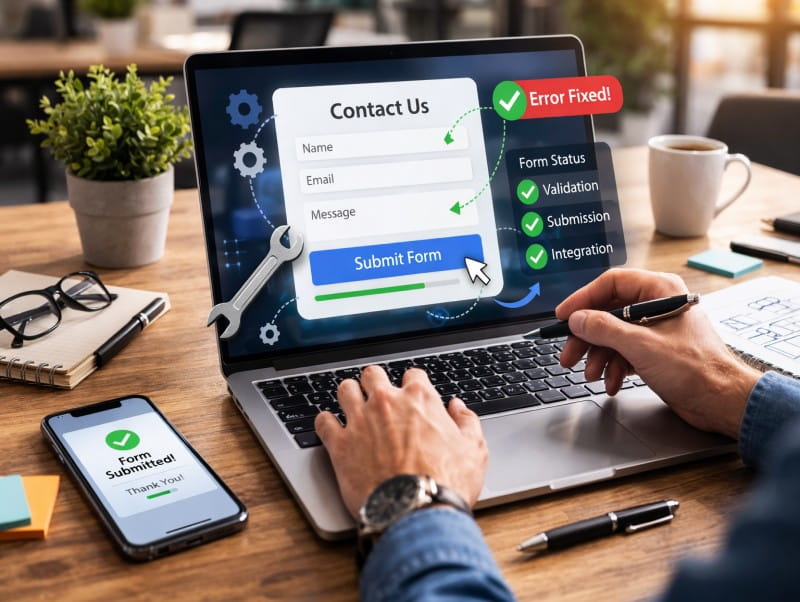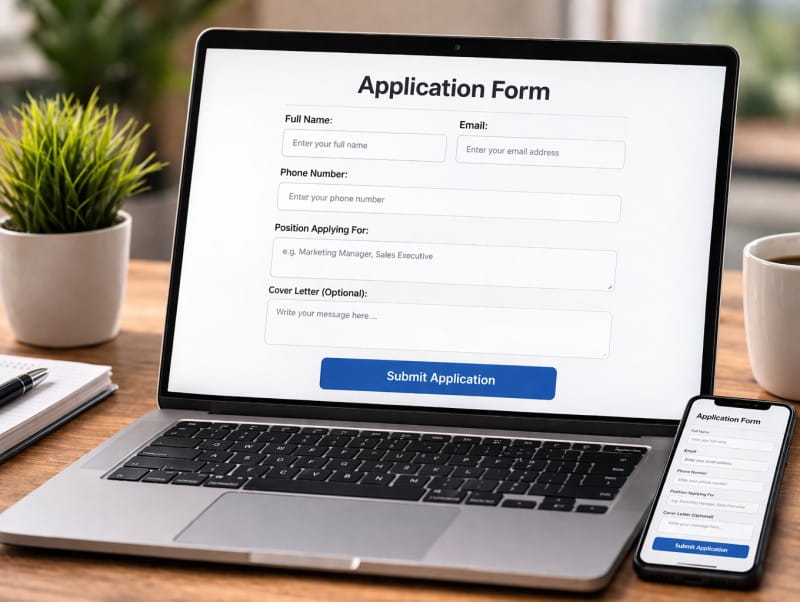
Your website form could be broken right now, and you might have no idea.
For business owners, SaaS founders, and agencies, forms are not just a feature. They are the point where interest turns into action. Whether someone is requesting a demo, submitting an enquiry, or signing up for your product, that moment depends entirely on your form working as expected.
The issue is that forms fail far more often than most teams realise. When they do, the consequences can be detrimental. Enquiries disappear, users become frustrated, and revenue quietly slips through the cracks.
Why Website Forms Break So Easily
Although forms appear simple on the surface, they rely on a chain of systems working together behind the scenes. The frontend collects the data, scripts validate it, servers process it, and integrations pass it into CRMs or email platforms.
Because of this, even minor changes can cause failures. A plugin update might interfere with validation, API keys could expire without warning and browser updates might affect how a button behaves on mobile.
When something breaks, it is rarely obvious. From a user’s perspective, they click submit and expect confirmation. Instead, nothing happens, or worse, the form appears to work while silently failing to send any data.
That is what makes form issues so dangerous. They are often invisible until the damage is already done.
The Real Cost of a Broken Form
Most businesses do not notice a broken form straight away. There is no alarm or alert. Instead, the impact builds gradually.
Lead volume may drop without explanation. Marketing campaigns might appear less effective. Users who encounter issues simply leave, often without trying again.
For SaaS companies and agencies, this creates a particularly risky situation. You may continue investing in traffic, paid ads, and SEO, assuming your funnel is working, when in reality the final step is failing.
At that point, it is not just a technical issue. It becomes a revenue problem.
How to Check if Your Web Form Is Working
The most basic step is to test the form yourself, but it needs to be done properly. Simply clicking submit once is not enough.
Start by completing the form as a real user would. Use believable data and go through the full process. After submitting, pay attention to what happens next. A working form should clearly confirm success, whether through a message, redirect, or email acknowledgement.
However, a visible confirmation does not guarantee the form is functioning correctly. You also need to verify that the data actually reaches its destination. This means checking your inbox, CRM, or database to confirm that the submission has been captured.
Another important step is testing across different environments. A form that works perfectly on your laptop may fail on mobile or behave differently in another browser. Even small layout issues or unresponsive buttons can prevent users from completing the process.
It is also worth deliberately testing edge cases. Try submitting incomplete fields, invalid email formats, or unusually long inputs. A reliable form should handle these situations gracefully, guiding the user rather than blocking them without explanation.
Why One-Time Testing Is Not Enough
Even if your form works today, that does not guarantee it will work tomorrow.
Websites are constantly changing. Updates to plugins, integrations, hosting environments, or third-party services can introduce new issues at any time. A form that passed testing last month could already be failing today without anyone noticing.
This is where many businesses fall into a false sense of security. They test a form once, assume it is fine, and move on.
In reality, form reliability requires ongoing attention.
The Limitations of Manual Testing
Manual testing has its place, but it does not scale. As your business grows, so does the number of forms, pages, and user journeys that need to be monitored.
Checking everything regularly becomes impractical. As a result, issues are often discovered too late, usually after leads have already been lost.
This reactive approach puts you in a constant cycle of fixing problems after they have caused damage, rather than preventing them in the first place.
A Smarter Approach to Form Testing
To properly protect your conversions, testing needs to become continuous rather than occasional.
Automated testing tools solve this by simulating real user behaviour on an ongoing basis. Instead of relying on someone to remember to check a form, these tools repeatedly submit forms, track what happens to the data, and flag any issues as soon as they occur.
This changes the way you manage your website. Rather than wondering if something might be broken, you gain consistent visibility into performance.
How qa.ai Helps You Stay Ahead of Issues
qa.ai is built specifically to address this problem.
It continuously scans your website forms, simulating real submissions and verifying that everything works as expected. If something fails, you are alerted quickly with clear insight into what went wrong.
This means you are no longer relying on guesswork or periodic checks. Instead, you have a system actively monitoring one of the most critical parts of your website.
For agencies, this also creates a stronger value proposition. Being able to proactively identify and resolve issues helps build trust with clients and reduces the risk of unnoticed failures.
For SaaS founders and business owners, it provides something equally important. Confidence that your lead generation and conversion flows are functioning as they should.
Why This Matters More Than You Think
Every investment you make in marketing ultimately leads users towards a single action. Filling out a form.
If that step fails, everything leading up to it loses value. Traffic, ad spend, and optimisation efforts all become less effective.
Ensuring your forms work consistently is not just a technical task. It is a fundamental part of protecting your growth.
Start Monitoring Your Forms Today
If you want to remove uncertainty and avoid losing leads without realising it, it is time to take a more proactive approach.
qa.ai automatically tests and monitors your web forms, helping you catch issues early and maintain a smooth, reliable user experience. Protect your website today with qa.ai.